A peptide's dose is not in the powder - it is in the concentration. How many ticks (units) one dose takes on the syringe depends on how much active substance (mg) is in the vial and how much bacteriostatic water (ml) you mix it with. This guide shows how to work that out cleanly and read it correctly - you can let our dosage calculator do the maths.
Concentration: milligrams per millilitre
The core figure is the concentration in milligrams per millilitre (mg/ml): the amount in the vial divided by the water you add. Example: 5 mg peptide + 2 ml BAC water = 2.5 mg/ml. Less water means higher concentration - and less volume per dose. How to reconstitute properly is in the reconstitution guide.
Units (IU) instead of millilitres
On a U-100 insulin syringe, 100 units (IU) = 1 ml. So you do not draw up in "ml" - you draw to a tick (a unit). Your target dose (e.g. in mcg) plus the concentration give the volume in ml, and from that the number of ticks. Example: 250 mcg from a 2.5 mg/ml solution = 0.1 ml = 10 units on the syringe. Always read at the liquid level, not the end of the plunger. More examples in the FAQ.
Let the calculator do it
You do not have to do this in your head: the dosage calculator takes vial size, water amount, syringe type and target dose and returns the concentration, the volume to draw, the number of ticks and the doses per vial - so you avoid arithmetic mistakes, the most common and most consequential dosing error.
Document it, don't memorise it
When logged in, the dosage manager records, per vial, what you mixed it to (concentration), how much you draw per dose and how much is left - including the mix date and the use-by window. That way you always know which tick means which dose, without recalculating every time.
This guide explains the calculation and reading mechanics; it is not a dosing recommendation. What dose is sensible and safe for you is a medical question.
Note: Educational information, not medical advice. Many of these substances are experimental and not approved for human use.
Step by step
-
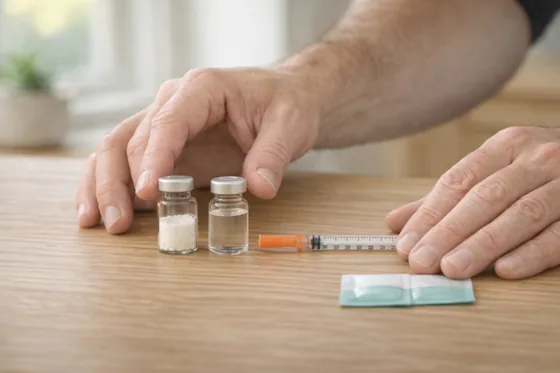 Step 1
Concentration sets the dose
The dose depends on the concentration: the amount (mg) in the vial divided by the BAC water (ml) gives mg/ml. Decide both deliberately - it is the basis of every calculation. -
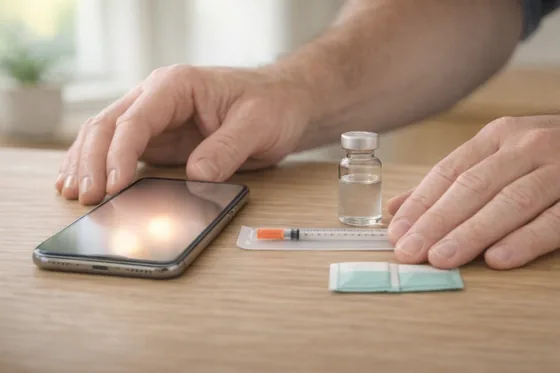 Step 2
Set the water amount with the calculator
Enter vial size, target dose and syringe type into the dosage calculator. It suggests a suitable water amount and shows how many ticks one dose takes.
Less water = higher concentration = fewer ticks per dose. The calculator finds an amount that draws up cleanly and accurately.
-
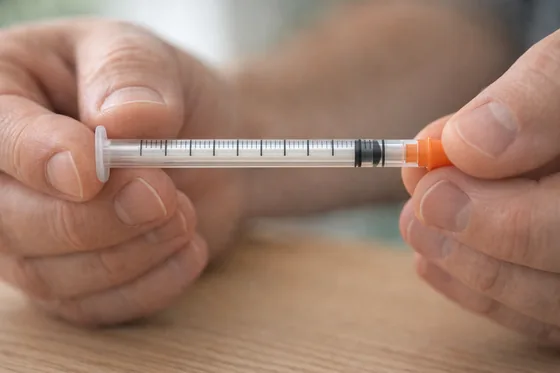 Step 3
Think in units (IU), not ml
On a U-100 insulin syringe, 100 units (IU) = 1 ml. You draw up to a tick, not by feel in ml. The calculator gives you the exact tick count. -
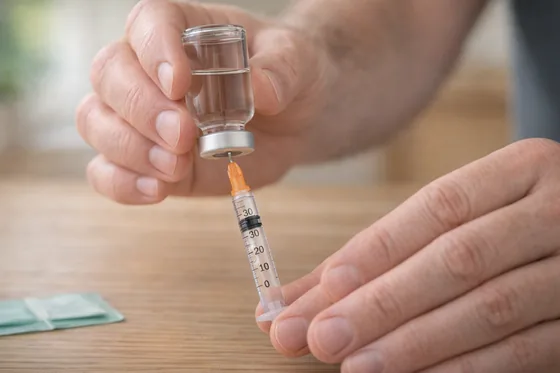 Step 4
Draw up to the right tick
Draw the reconstituted solution exactly to the calculated unit - steadily and bubble-free. Better to check and adjust than to dose imprecisely.
What counts is the liquid level: draw up until the fluid reaches the tick mark - not the end of the plunger. If an air bubble sits between the plunger and the liquid, the plunger reads the mark while there is actually less in the syringe. A small but important difference for an accurate dose.
-
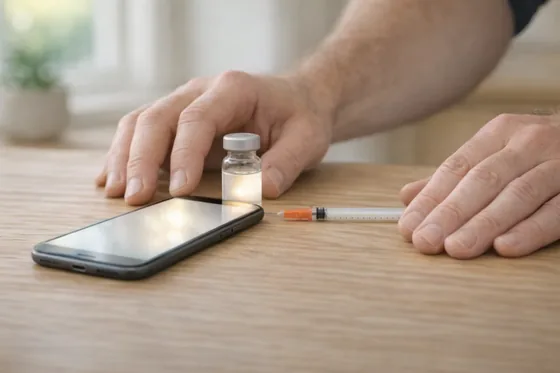 Step 5
Document it with the dosage manager
Record concentration, tick count and usage per vial so you do not recalculate every time.
When logged in, the dosage manager handles it: mix date, amount, usage and use-by window per vial in one place.
Sources
- U-100 insulin syringes: units and volume - FDAhttps://www.fda.gov
- Reconstitution & dose calculation - Sigma-Aldrich Peptide Handlinghttps://www.sigmaaldrich.com
- Concentration and dilution (mg/ml) - basicshttps://www.ncbi.nlm.nih.gov